
How to Test an IPTV Free Trial Like a Pro
Testing an IPTV service before committing your hard-earned money ensures you avoid frozen screens, missing channels, and unreliable servers. Here is how UK viewers can stress-test any trial like an expert to find the right provider.
On this page (6)
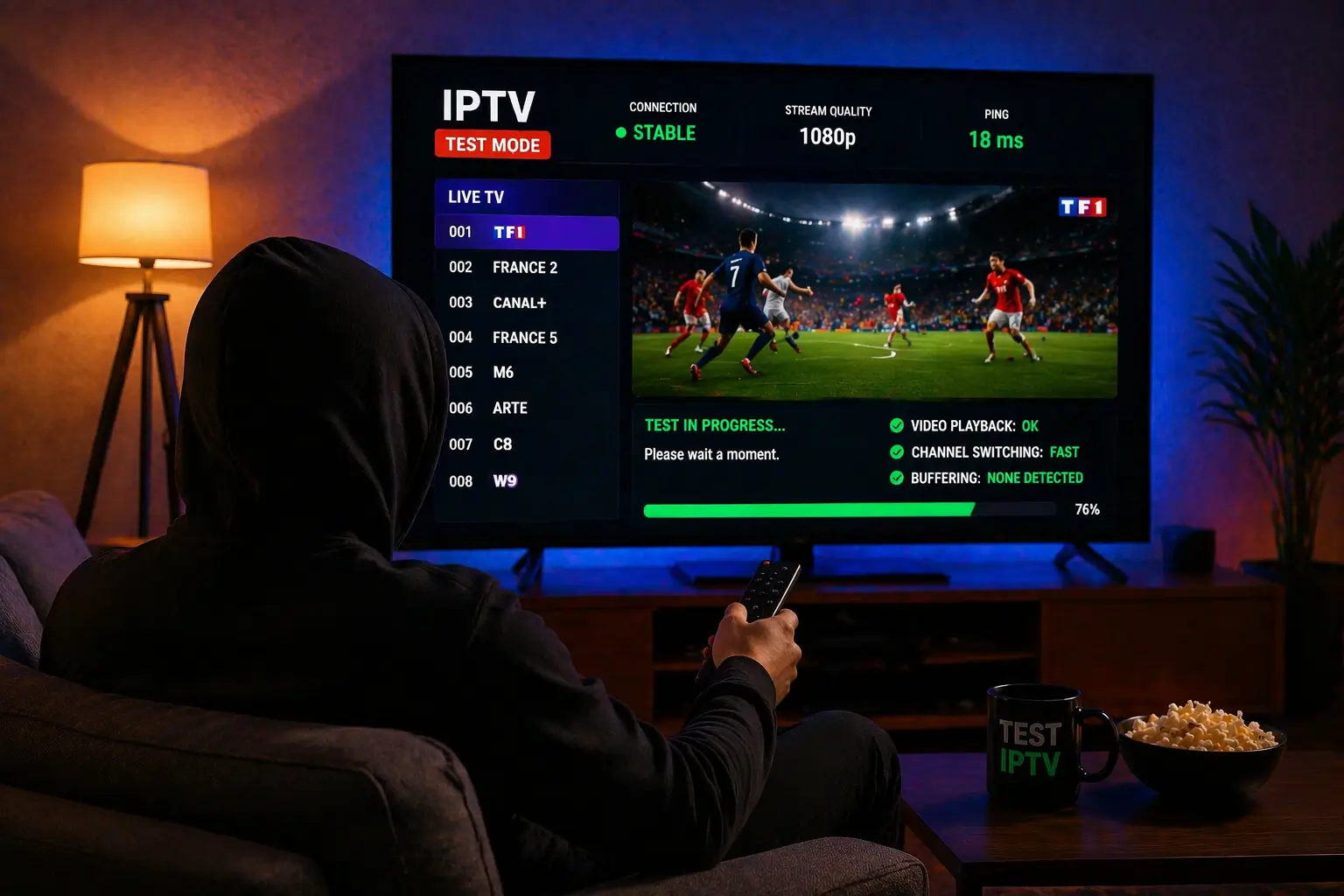
Putting any streaming provider through a hands-on trial helps you inspect channel reliability, video clarity, and helpdesk speed before spending a penny. Running these checks protects UK viewers from frozen feeds and guarantees you find a top-tier british iptv plan suited to your entertainment routine.
Any dependable streaming operator will gladly grant preview access because their infrastructure speaks for itself. Investing an afternoon in a trial run (our free 12-hour trial provides complete access) shields you from long-term commitment issues with choppy feeds or unresponsive desks.
Work through these five practical phases to evaluate every detail prior to making your purchase.
Step 1: Check the Operator's Track Record
Start by examining customer feedback and community sentiment across the web.
- Browse genuine feedback on independent technology hubs, tech forums, and Reddit discussion threads.
- Prioritise services that boast an established operational history spanning several years.
- Examine their public presence to see if they engage with viewers and share regular platform updates.
- Steer well clear of platforms plagued by recurring complaints regarding sudden outages or non-delivery.
- Make sure their official portal looks polished and publishes direct communication channels.
- Look for clear pricing breakdowns with zero hidden renewals or confusing subscription clauses.
- Verify that secure payment processors are supported for checkout.
- Carefully review the cancellation and money-back terms before submitting any order.
Step 2: Secure a Complimentary Test Period
Established vendors give prospective subscribers hands-on test credentials so they can evaluate broadcast performance personally.
Reach out via web chat, contact form, or direct email to inquire about testing the platform.
Request a zero-commitment trial to sample the full catalogue; we offer a free 12-hour trial without asking for card details.

Consider it an immediate red flag if a host refuses to offer trial access, whereas premium brands let you verify stability beforehand.
Submit basic contact details only, avoiding platforms that demand intrusive personal records for simple previews.
Check your inbox for login information, typically issued as an M3U playlist link or Xtream API credentials.
Keep track of your activation window so you can make full use of the testing hours.
Consult our breakdown on whether streaming services deliver genuine value in 2026 to align your expectations.
Step 3: Benchmark Streaming Performance and Stability
Make the most of your british iptv preview by running thorough stability tests across various channel formats.
Configure the recommended viewing software on your Firestick, Android TV, Smart TV, iOS, or Windows device.
Flip between 10 to 15 different broadcasts, sampling live football, regional news, movie networks, and international feeds.
Examine resolution clarity, ensuring that HD and 4K streams remain crisp without unexpected downscaling.
Keep single channels playing continuously for 5 to 10 minutes to verify whether micro-stutters appear.
Run your heaviest streaming sessions between 7 PM and 10 PM on weekends when network congestion peaks.
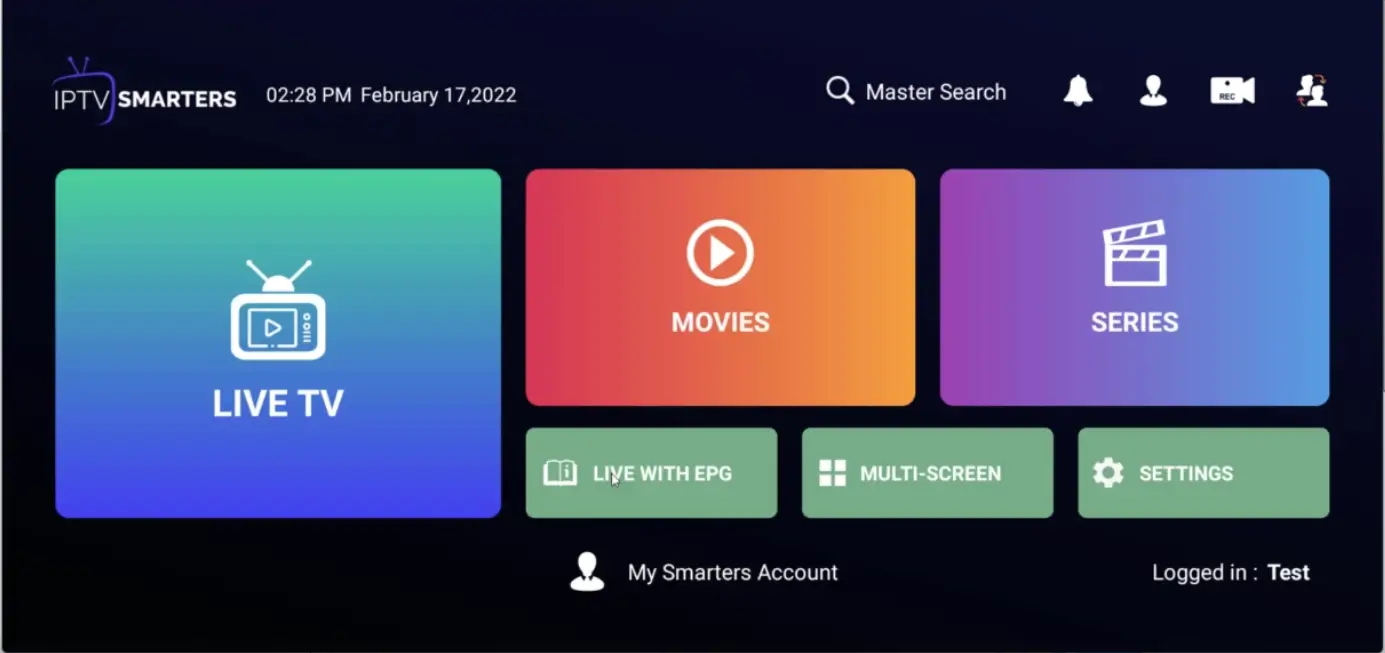
Examine the Electronic Programme Guide to confirm that programme timelines and schedule data load accurately.
Select a few titles from the on-demand library to confirm quick loading times and smooth playback without buffering.
Perform an internet speed test using Speedtest.net so you can separate home Wi-Fi drops from server lag.
Step 4: Assess Player Interface and Everyday Usability
A premium streaming environment should feel intuitive, swift, and simple for everyone in your household to navigate.
Test how quickly you can move between category groups and locate specific channel sections.
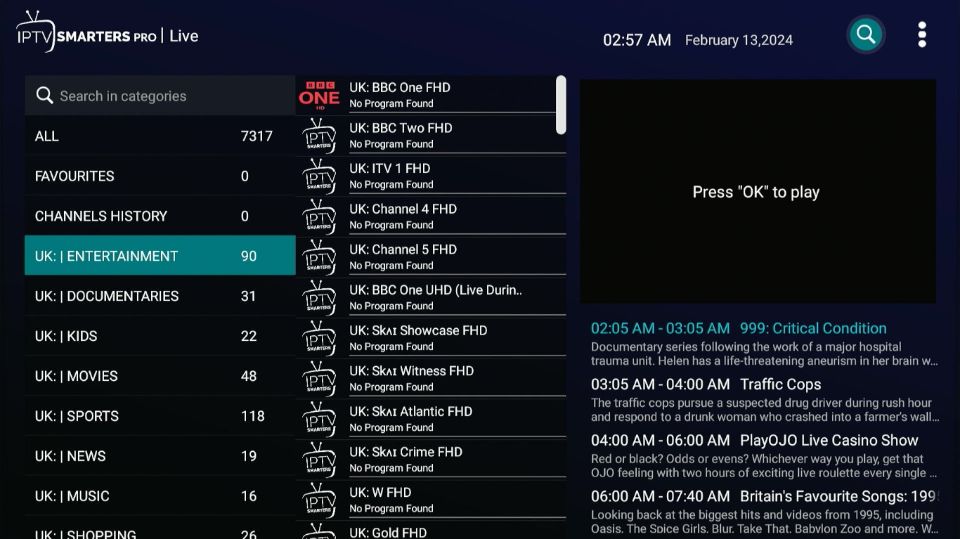
Create a custom favourites roster to confirm that saved channels persist properly between app launches.
Use the internal search bar to look up specific sports channels, blockbusters, or documentary titles.
Test catch-up playback on supported channels to ensure you can pause or rewind earlier broadcasts smoothly.
Verify that streaming works smoothly across Firestick, Android TV, Smart TV, iOS, and Windows.
Step 5: Examine Customer Support Efficiency
Prompt customer care is essential whenever feed hiccups or configuration challenges occur during live events.
Open a ticket or reach out with a routine setup question during your test.
Track response turnaround, keeping in mind that high-quality platforms reply within a reasonable timeframe.
Notice whether the agent provides direct, actionable instructions rather than vague boilerplate replies.
Check which communication methods they operate, such as web desk, email ticketing, WhatsApp, or Telegram.
Ask a specific setup question regarding audio tracks or subtitles to measure the technician's actual knowledge.
Ask how quickly technical staff resolve channel stream drops during peak match times.
Confirm whether round-the-clock technical coverage is available so you are never left stuck during late-night matches.
Walk away from services with dismissive, automated-only, or non-existent support representatives.
Frequently Asked Questions
How much time do I need to test an IPTV service thoroughly?
A dedicated free 12-hour trial offers plenty of time to test prime-time sports, live channels, and on-demand movies under peak evening traffic.
What should I do if a provider refuses to provide a free test?
Opt for a short introductory pass, or pick a reputable brand providing a free 12-hour trial without requiring credit card info upfront.
What content categories should I check first?
Focus immediately on 60fps sports broadcasts and high-definition news networks, as these dynamic feeds stress server capacity the most.
Does occasional buffering mean the service is flawed?
A single brief pause could stem from local network interference, whereas persistent stuttering across multiple channels signals overloaded provider servers.
Should I carry out tests on multiple pieces of hardware?
Testing across your living room television and a handheld tablet or laptop confirms overall compatibility and smooth app behaviour.
What download bandwidth is required for reliable streaming tests?
Aim for minimum steady speeds of 25 Mbps for standard HD and 50 Mbps for 4K video feeds to eliminate home network bottlenecks.
Are refunds available if streaming quality degrades post-purchase?
Dependable operators provide transparent satisfaction policies, though you should always verify the exact criteria before purchasing.
Explore our practical advice on how to choose a reliable IPTV provider with confidence.
For more tips and options, explore our guide to securing the best british iptv subscription for your home.
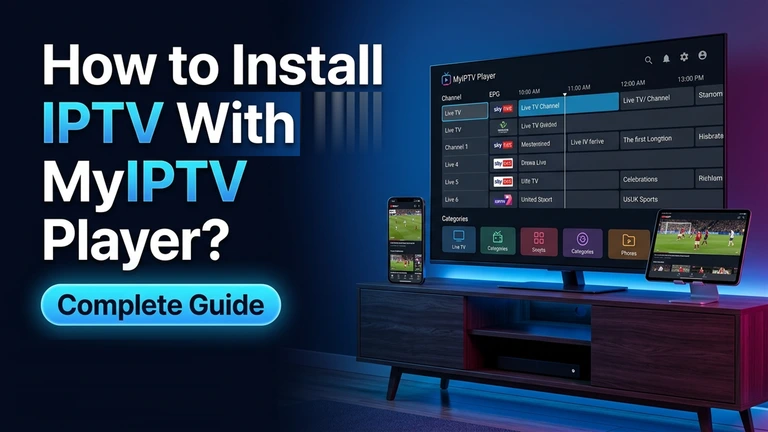
Your free trial login works in every app in this article. Twelve hours of the full service, no card, then choose a plan or stop.
- No credit card
- Login by email in minutes
- Setup guides for every device
